
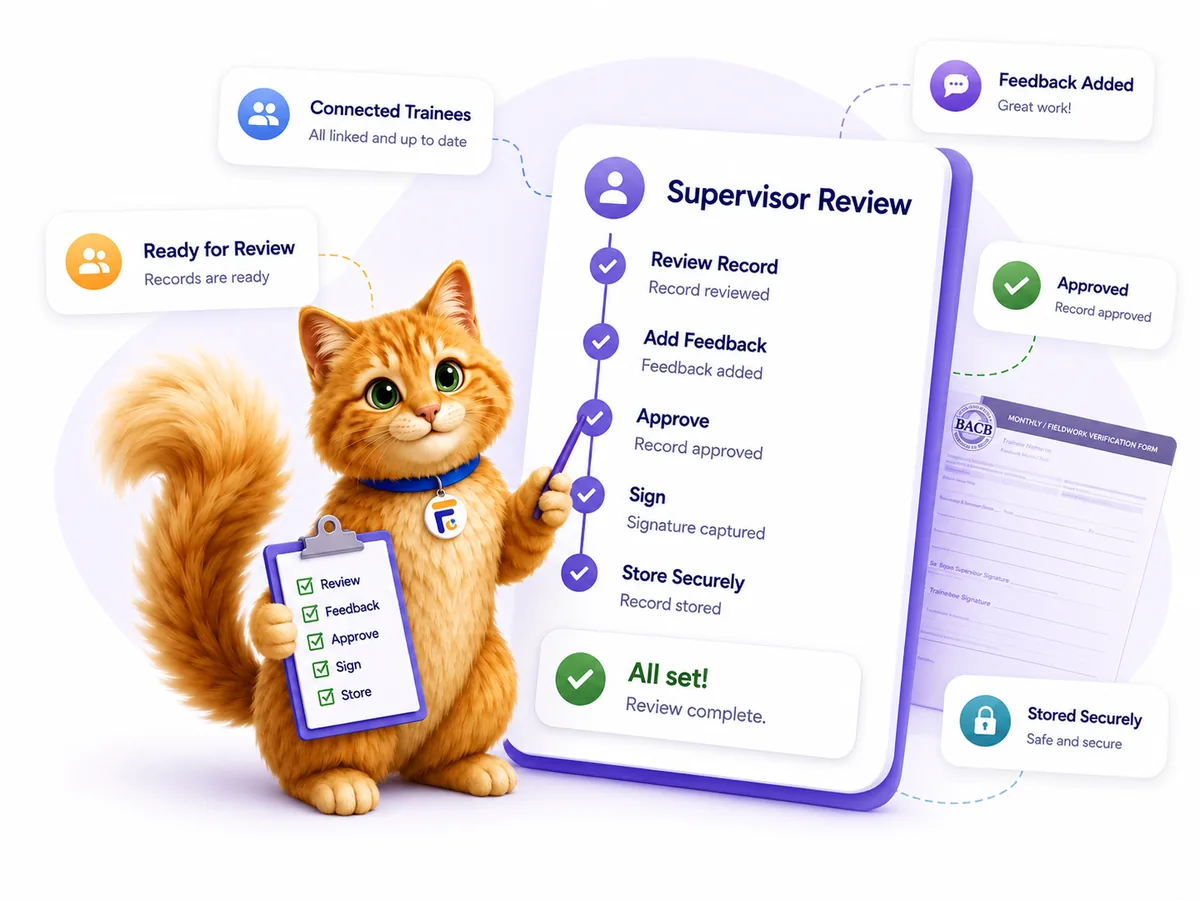
FieldworkABA gives BCBA® supervisors the whole month in context — hours, activities, and supervision details — ready to review.
Leave feedback tied to the record, approve when it’s ready, and countersign the monthly form without printing, scanning, or chasing files.

Open a trainee’s monthly record and see hours, activities, supervision details, and status together — no piecing it together from emails.
Leave comments where they belong — on the month being reviewed — so your trainee sees exactly what to build on next.
When the record is ready, approve it and countersign the monthly form from your own account — no printing or scanning.
A review is only useful when the record, the feedback, and the signatures stay together. FieldworkABA keeps them connected — from “ready to review” to “approved and signed.”
So every approval reflects the real month behind it.
See every trainee who has invited you and open the months that are ready for your review.
Review the month as one record — hours, activities, supervision rate, and status all in view.
Open logged activities with hour category, format, and supporting notes — the context behind the totals.
Add guidance and requested changes right on the record, so nothing gets lost in a separate inbox.
Approve the month and complete your supervisor signature the moment the record is ready.
Feedback, approvals, and signed forms stay connected to each trainee’s fieldwork history.
Supervisors open the month in full context, leave feedback, and countersign; trainees see exactly what was reviewed and what to build on. The review flow keeps both sides on the same record — and moving in the right order.
Everything you need to review is attached to the month — so signing off is a quick, confident review instead of a chase for missing details.
Feedback lands on the record it belongs to — not buried in an email thread. You can see what was reviewed, what changed, and where the month stands, without guessing.
FieldworkABA keeps the review connected to the record it verifies — through feedback, approval, and signature.
The trainee invites you, and their submitted months appear in your supervisee list.
Open the month with hours, activities, and supervision details already in context.
| FIELD | FROM RECORD |
| Total hours | 37.45 |
| Supervision rate | 32% |
| Activities | 18 logged |
Leave comments and requested changes on the record, so the trainee sees them in context.
Great progress — keep building on the skill-generalization notes.
Feb record · Mar 3Approve the month and countersign the form. The completed record is stored and stays available.
A month isn’t really reviewed until the record, the feedback, and the signature line up. The manual way means opening attachments, replying with notes in a thread, then signing something separate — and hoping nothing drifts out of sync. FieldworkABA keeps the whole review in one place.


Review each month in full context, leave feedback tied to the record, and approve and sign — all in one connected workflow. Supervisor accounts are always free.
FieldworkABA is launching soon. Add your details and we’ll email you the moment your free account is ready.