Monthly Verification Forms

Monthly forms, signed and stored in minutes

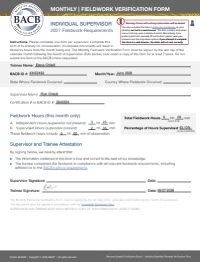
FieldworkABA turns a completed monthly record into a Monthly Verification Form (MVF) ready for BCBA® trainee and supervisor signatures.

Review the details, sign, countersign, and keep the signed form stored with the month it belongs to — no printing, scanning, or chasing files.

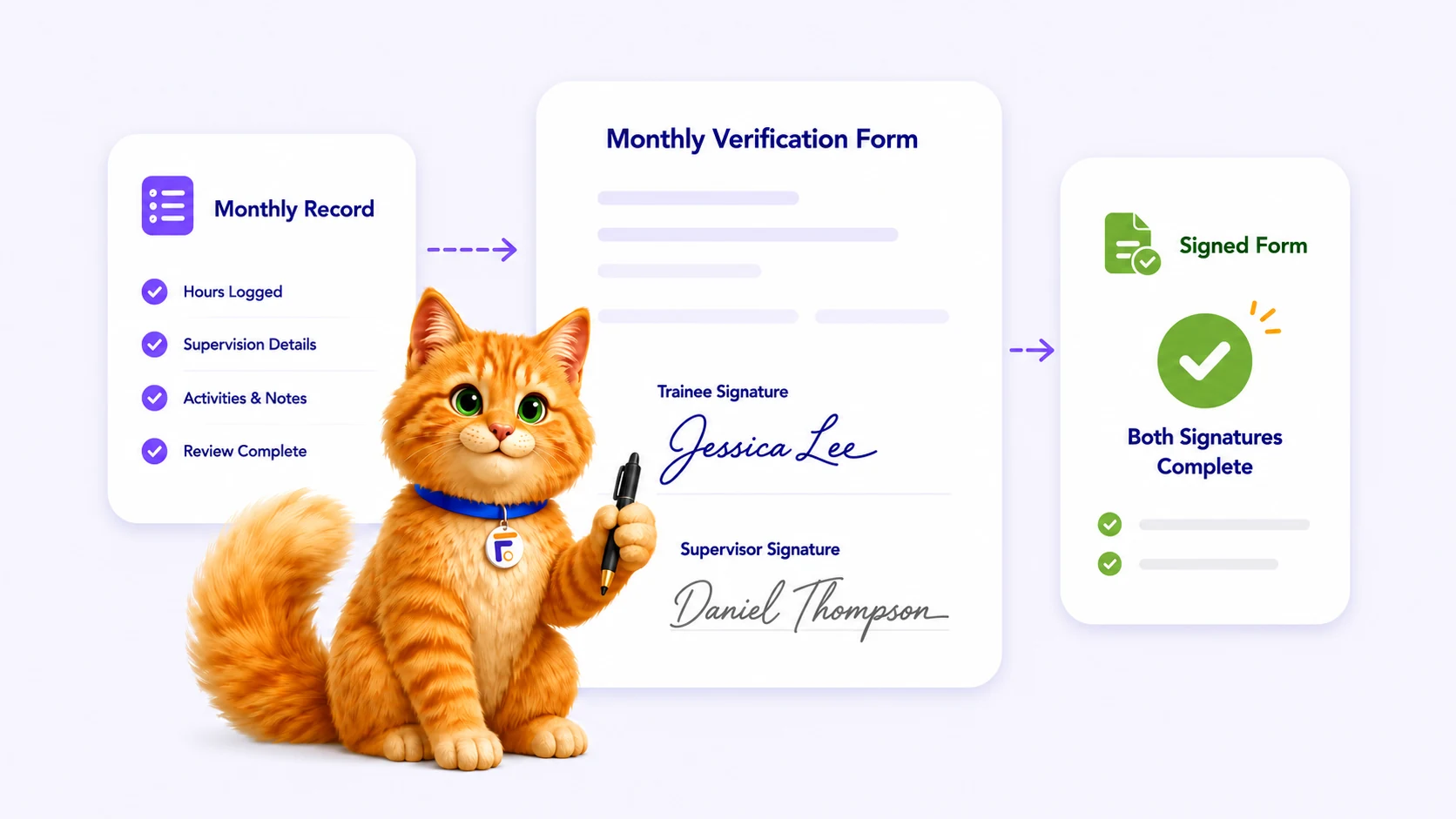
FieldworkABA Monthly Verification Form flow: monthly record, trainee and supervisor signatures, and a signed form
The form fills itself

Your MVF is prepared straight from the monthly record — hours, supervisor, and details already in place, no retyping.

Sign without printing

Trainee signs, supervisor countersigns — both from their own accounts, with no printing, scanning, or email back-and-forth.

Kept with the month

Each signed form is stored with its monthly record and review history — secure and ready for 7-year retention.

Everything the signature workflow handles

An MVF is only useful when it matches the month it verifies. FieldworkABA keeps the form, the signatures, and the record together — from “ready to review” to “signed and stored.”

So the form always reflects the real monthly record behind it.

Pre-filled MVF

The verification form is built from your monthly record, so the details are already filled in.

Trainee signature

Review the month, then complete your signature step the moment the form is ready.

Supervisor countersignature

Your supervisor reviews the record and countersigns from their own connected account.

Signature reset

If the month changes after signing, the workflow resets so the corrected form can be signed again.

Form status at a glance

See whether each form is awaiting review, awaiting a signature, signed, or stored.

Archive & download

Signed forms stay organized in a secure archive you can open or download for years.

For trainees & supervisors

One form, signed by both

Trainees review and sign; supervisors open the same form, check the month, and countersign. The signature flow keeps both sides on the same record — and moving in the right order.

For Trainees

Sign the month, then let it flow

Open an MVF already filled from your record
Review the month before you sign
Sign in a click — no printing or scanning
Send it on for your supervisor’s countersignature
Watch the form status update in real time

No more rebuilding a form by hand at deadline. The MVF comes straight from your month, you sign, and it moves to your supervisor — all in one place.

For Supervisors

Review the month, then countersign

See which forms are waiting on you
Open the month behind each form
Countersign from your own account
Request a change if something needs fixing
Keep every signed form connected to the trainee

Everything you need to countersign is attached to the month — so signing is a quick, confident review instead of a chase for missing files.

How it works

From a completed month to a signed form

FieldworkABA keeps the form connected to the record it verifies — through every signature and into storage.

1

Complete the month

Finish the monthly record so the details behind the form are ready to verify.

February 2026 recordReady
Total hoursThis month37.45
Record details✓ Complete
2

Review the MVF

The verification form is prepared from the record, so you can check it before signing.

Monthly Verification FormPre-filled
FIELDFROM RECORD
Total hours37.45
SupervisorDr. Taylor Smith
OrganizationBright Steps ABA
Details matched
3

Sign & countersign

The trainee signs first, then the supervisor reviews and completes the countersignature.

Signature flowComplete
Trainee signature
Emily Carter
Signed Mar 2, 2026
Supervisor signature
Dr. Taylor Smith
Signed Mar 3, 2026
Both signaturesComplete
4

Signed & stored

The completed form is stored with its month and kept available for years.

Feb 2026 MVFSigned
Signed monthly verification form
Supervisor signature
Dr. Taylor Smith
March 3, 2026
Trainee signature
Emily Carter
March 2, 2026
Secure archive · Retain for 7 years
Each month follows one clear path: complete, review, sign, countersign, and store.
Still signing on paper?

Signing shouldn’t mean
printing and scanning.

A monthly form is only done when it’s signed by both people and safely kept. The manual way means retyping, printing, hand-signing, scanning, and emailing — then hoping the file doesn’t get lost. FieldworkABA keeps the whole thing in one place.

Print, sign & scan
The form is retyped by hand every month
Print, sign, scan, then email it back and forth
Signatures end up separate from the record
A correction means starting the paperwork over
Signed PDFs scattered across folders and inboxes
FieldworkABA logo
The MVF is pre-filled from your monthly record
Trainee and supervisor e-sign in-app — no printing
Every signature stays attached to the month
Reset and re-sign if the month is corrected
A 7-year archive keeps every signed form together
Muffins the Cat with common verification form questions
Frequently Asked Questions

Questions, answered

What is a Monthly Verification Form (MVF)?
An MVF documents a supervision month — the fieldwork information for that month — and is signed by the trainee and the supervisor.
When does the MVF need to be signed?
BACB® guidance says the MVF must be signed by the last day of the calendar month following the month of supervision.
Can I sign verification forms inside FieldworkABA?
Yes. FieldworkABA supports an in-app signature workflow for monthly forms, including the trainee signature and the supervisor countersignature — no printing or scanning.
Can my supervisor countersign from their own account?
Yes. Supervisors can create a free supervisor account, review connected trainee records, and complete the countersignature step.
What happens if the record changes after signing?
If a signed record needs to be corrected, the signature workflow can be reset so the updated form can be reviewed and signed again.
Are signed forms stored and downloadable?
Yes. Signed forms stay stored with the monthly record and supporting documentation, and can be downloaded when you need them.

Sign your monthly forms without the paperwork

Prepare each MVF from your monthly record, collect both signatures in-app, and keep every signed form stored and downloadable.