
You decide who sees your records
FieldworkABA keeps supervisor details connected to your records while you stay in control of who can actually view your account.
Add a supervisor for recordkeeping, invite them when you’re ready, grant access for review and signature, and revoke it when the relationship changes.
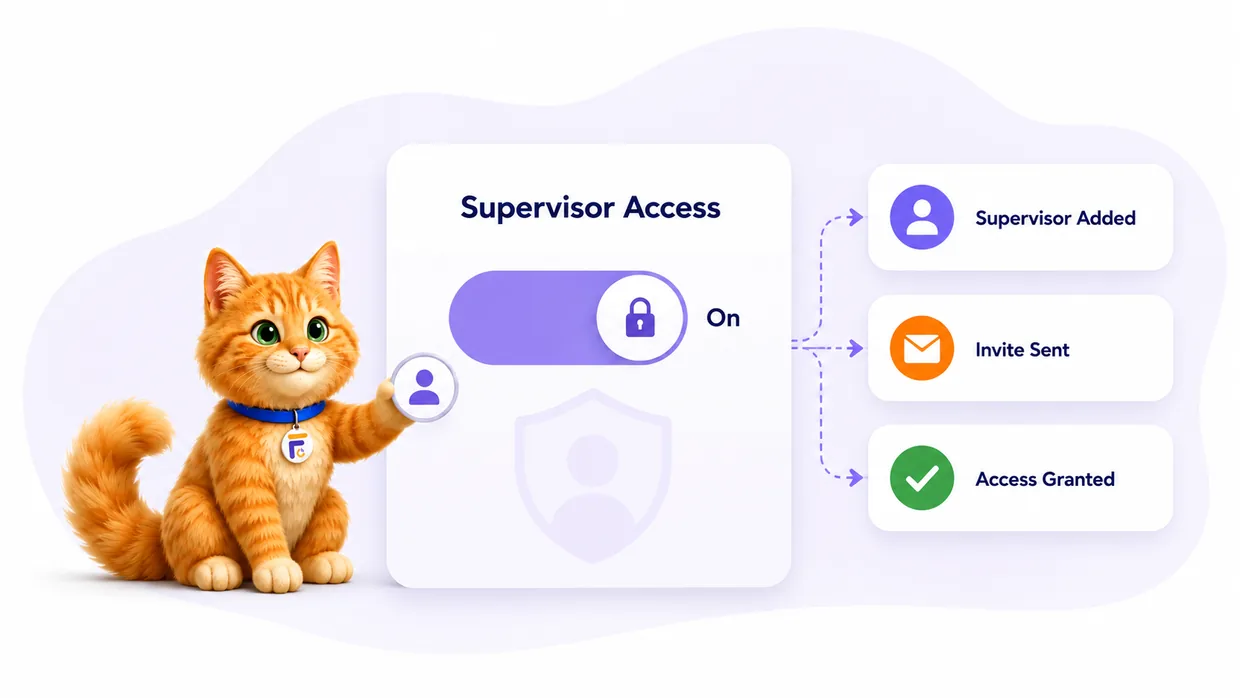
Keep a supervisor’s details on your records without automatically handing over your account.
Send an invite only when a supervisor actually needs to review a month or sign a form.
Grant, pause, or remove a supervisor’s access as your supervision relationship changes.
Everything access control handles
A supervisor on your record isn’t the same as a supervisor in your account. FieldworkABA keeps the two separate — so your history stays accurate and your access stays intentional.
You choose who connects, when, and for how long.
Store supervisor names, emails, BACB IDs, and relationship details for your fieldwork records.
Invite a supervisor when they need to create an account, review records, or sign forms.
See at a glance whether a supervisor is added, invited, connected, or no longer reviewing.
Grant access so a supervisor can review the monthly records tied to your supervision.
Connected supervisors can countersign the forms they need to review and sign.
Adjust or remove a supervisor’s access when your fieldwork relationship changes — history stays intact.
Access, on your terms
Trainees add supervisors and decide when to grant access; supervisors connect only to the trainees who invite them. Records stay accurate, and access stays intentional on both sides.
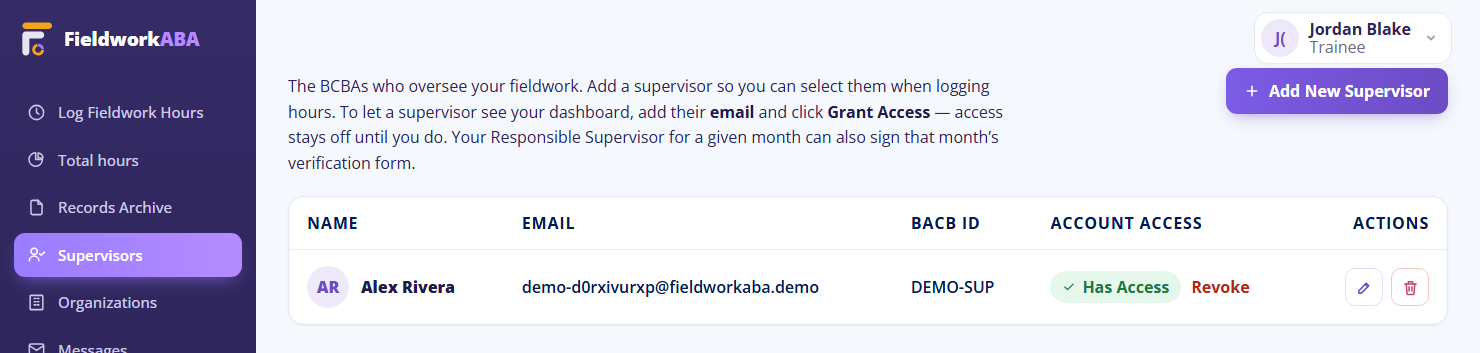
Keep your records private and organized
You get accurate records without giving up control. Store a supervisor’s details for documentation, then decide who can actually view, review, and sign inside your account.
Connect only when access is granted
Supervisors only reach records tied to the trainee relationship. That keeps review focused, cleaner, and respectful of trainee privacy — and supervisor accounts are always free.
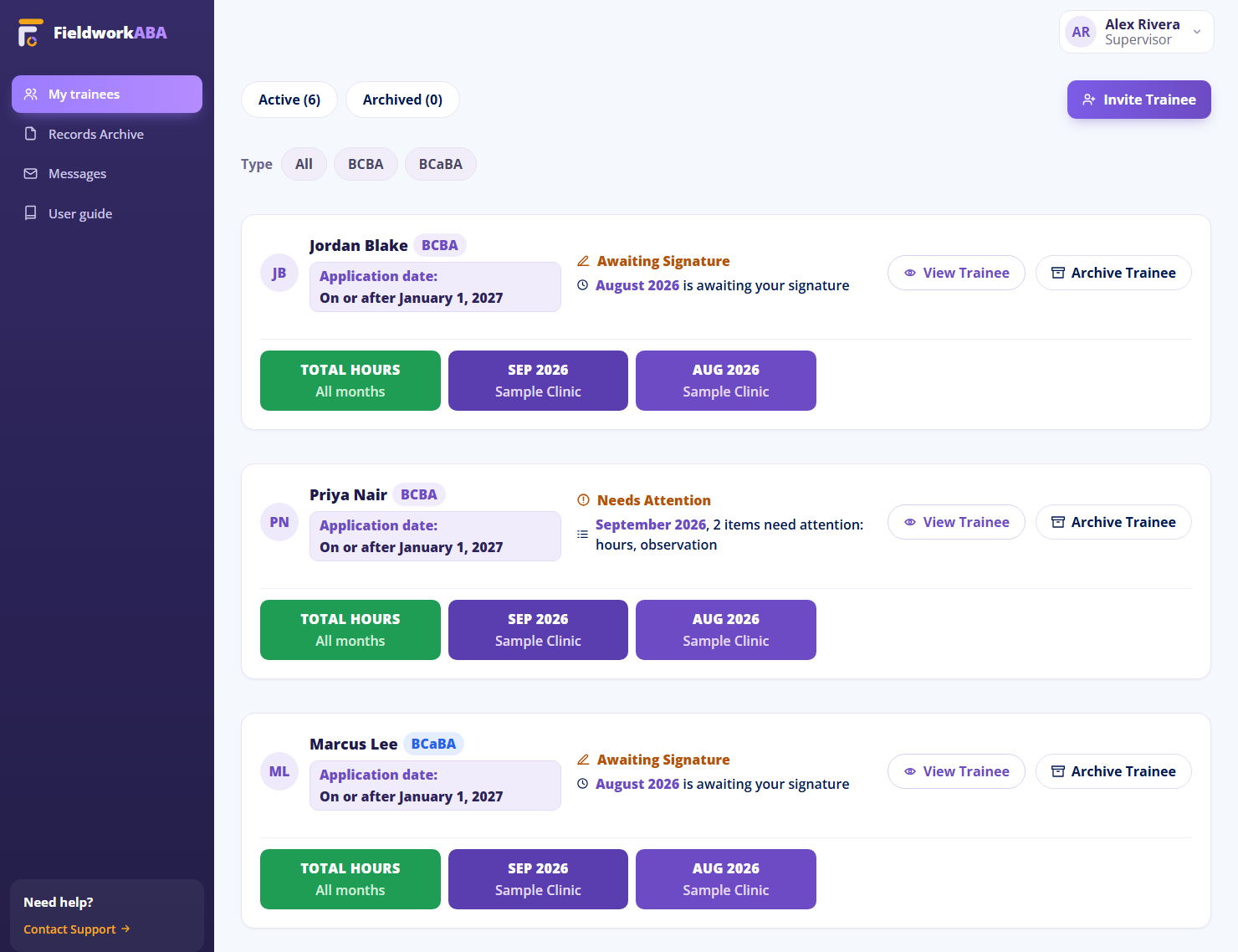
From supervisor record to granted access
Every step is your decision — add, invite, grant, and update — and your history stays organized the whole way.
Add the supervisor
Save the supervisor’s name, email, and BACB ID for your fieldwork records.
Decide when to invite
Keep the supervisor as a record, or send an invite when they need account access.
Grant review access
Let the supervisor review the monthly records tied to your fieldwork relationship.
Update access later
When the relationship changes, revoke or adjust access — the historical record stays.
Past months keep their supervisor details even after access ends.
Recordkeeping shouldn’t mean
handing over everything.
To document a supervisor, you shouldn’t have to give them the keys to your whole account — or email files to whoever asks. FieldworkABA separates a supervisor record from supervisor access, so you decide who connects and when.

Who can do what
Revoking a supervisor ends their ongoing access the moment you press it. It does not erase the months they actually supervised, because the BACB asks both of you to keep those. Here is exactly what each role can do.
| Can they… | You | Connected supervisor | Supervisor you revoked | Program administrator |
|---|---|---|---|---|
| See your months | All of them | All of them | Only the months they supervised, frozen as they stood the day you revoked | All months in the program |
| Edit your hours | Yes | No | No | No |
| Message you about a month | Yes | Yes | No | No, read only |
| Sign a monthly form | Your signature | Only months they are the responsible supervisor for | No | No |
| Download or export | Everything | Everything of yours | Only their own months | Program records |
A supervisor you revoked cannot see anything new you log, cannot sign anything, and cannot message you. What they keep is a read-only copy of the months they were responsible for, which is the record the BACB expects a supervisor to retain for seven years.
Questions, answered
Does adding a supervisor automatically give them access?
Can I invite a supervisor later?
Can I remove supervisor access?
Can I have more than one supervisor?
Can I add past supervisors?
Does access control replace supervision agreements?
Control who can review your fieldwork records
Add supervisors, invite them when ready, grant review access, and keep your fieldwork history organized as supervision relationships change.